

David Callé
17 May 2017
Simplenote gives a new life to your notes
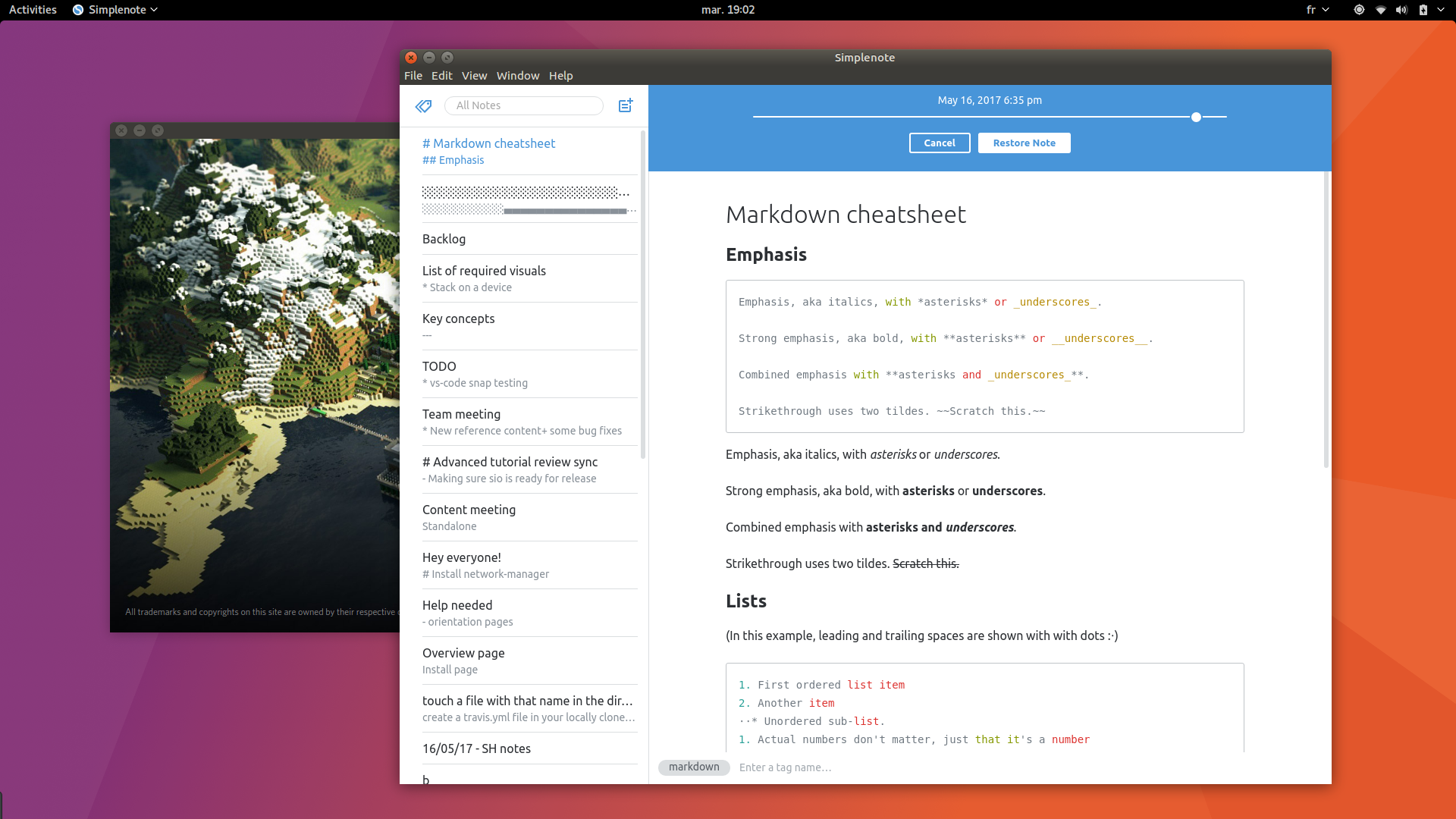
There’s a new desktop snap in the Snap store: Simplenote.
Write in Markdown, sync, tag, collaborate and publish
If you haven’t tried it yet, Simplenote brings a solid note taking utility to your day-to-day open source toolkit. Don’t be fooled by a simple appearance, as it’s one of the most comprehensive editing suite around, especially for Markdown, with previews and extensive syntax support.
While its most prominent feature is instant notes syncing across devices (and platforms — Linux, web, Android, Mac, Windows and iOS), Simplenote also comes with a tagging system and collaborative editing. For example, tag a note with someone’s email address to edit it together. If you want to make a note temporarily public, it even gives you the ability to publish notes as standalone webpages in two clicks.
To install Simplenote as a snap:
sudo snap install simplenoteSimple to install, automatically updated
Why does it make sense to have Simplenote packaged as a snap? Snaps mean simple installation and update management with no need to worry about dependencies. It also means that when the software vendors make them available, it’s easier to access the beta version of their app or even daily builds.
How many Linux packages format Electron developers need?
While the right answer is probably “as many as they need to reach their full potential audience”, snapping Electron applications means building one snap that works on all the major Linux distributions, with support for more distributions growing.
User install documentation can be simplified and your application will be discoverable by millions of Linux users in the Software Center. To ease the building process even more, the snap format is integrated with Electron Builder.
Give all users your greatest release at the same time
Application developers are in complete control of the publishing and release of their software, it drastically simplifies support as they can control the version of the app being consumed. Once a snap is installed, it will automatically be kept up to date, with install metrics available from the snap store. No more having to maintain old versions or asking users to update first before reporting bugs.
Get started with snaps at snapcraft.io or watch the developer intro video first:


